Latino, hip-hop, reggaeton, Afrobeats, dancehall: an open-format DJ moves from one genre to another all night long. His gear has to keep up. This guide walks you through every part of the setup—from software to headphones—and tells you what you really need to look for before buying.
1. The software: the heart of the setup
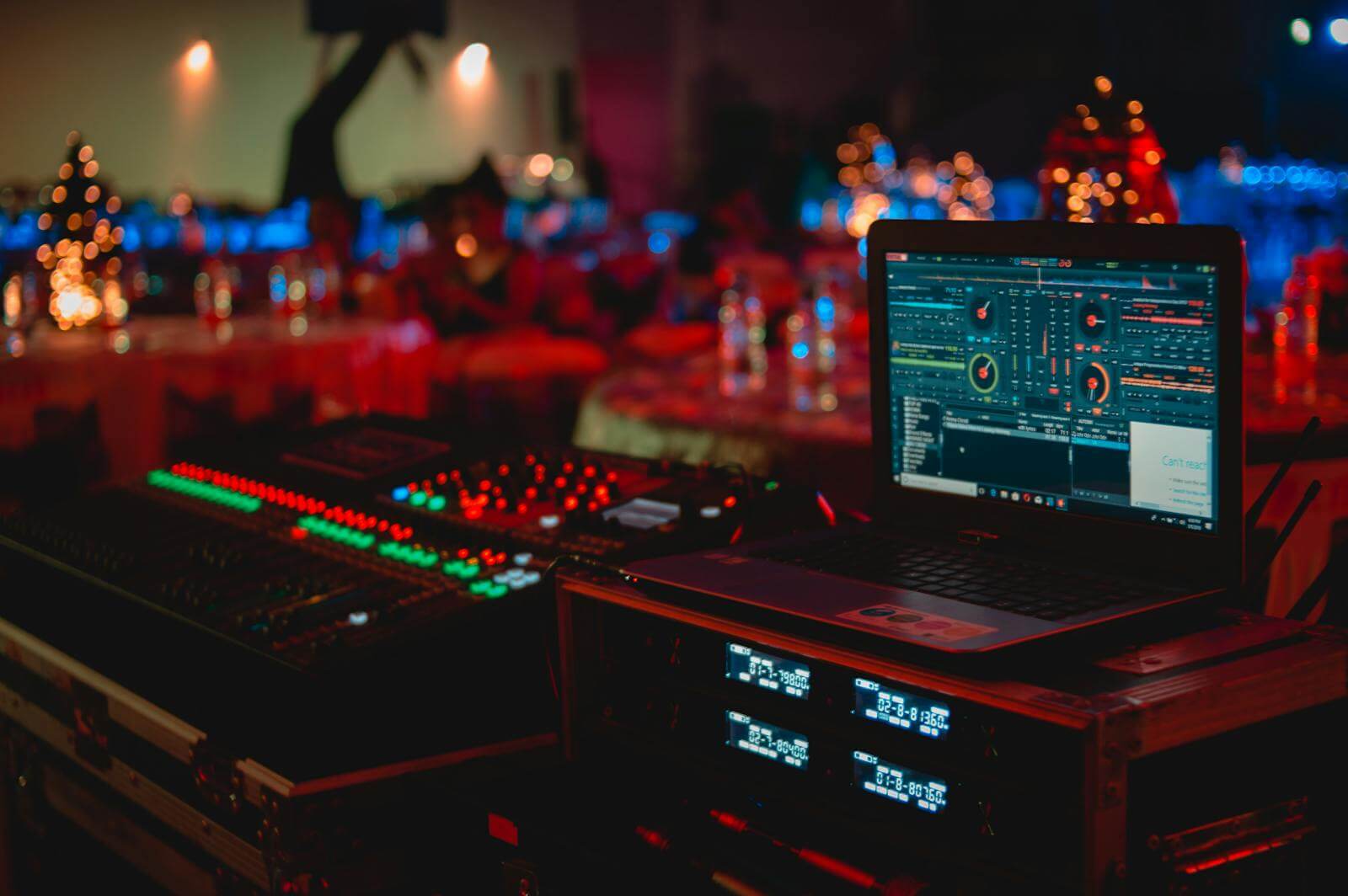
It all starts with the software, since it determines which hardware is compatible. The most popular options are Serato DJ Pro, rekordbox, Traktor, and VirtualDJ. Personally, I work with Serato DJ Pro, which is widely used in hip-hop and open-format DJing and is compatible with a wide range of controllers and turntables.
What matters to a multi-genre DJ:
- A good understanding of tempo and key, allowing you to move seamlessly between very different styles.
- Stems: Serato Stems lets you isolate the vocals, melody, bass, and drums in real time.
- A well-organized library: crates, smart playlists, quick search.
2. The controller or the table
Three main options:
- The all-in-one controller: decks, mixer, and sound card in a single device. It’s the ideal solution for private events. A high-end model like the DDJ-FLX10 offers 4 channels, CDJ-sized jog wheels, and dedicated stems buttons in Serato DJ Pro.
- The turntables and the club mixer: CDJ players and a 4-channel mixer like the DJM-A9. This is the standard setup for clubs and festivals, and you need to know how to use it even if you don't own one.
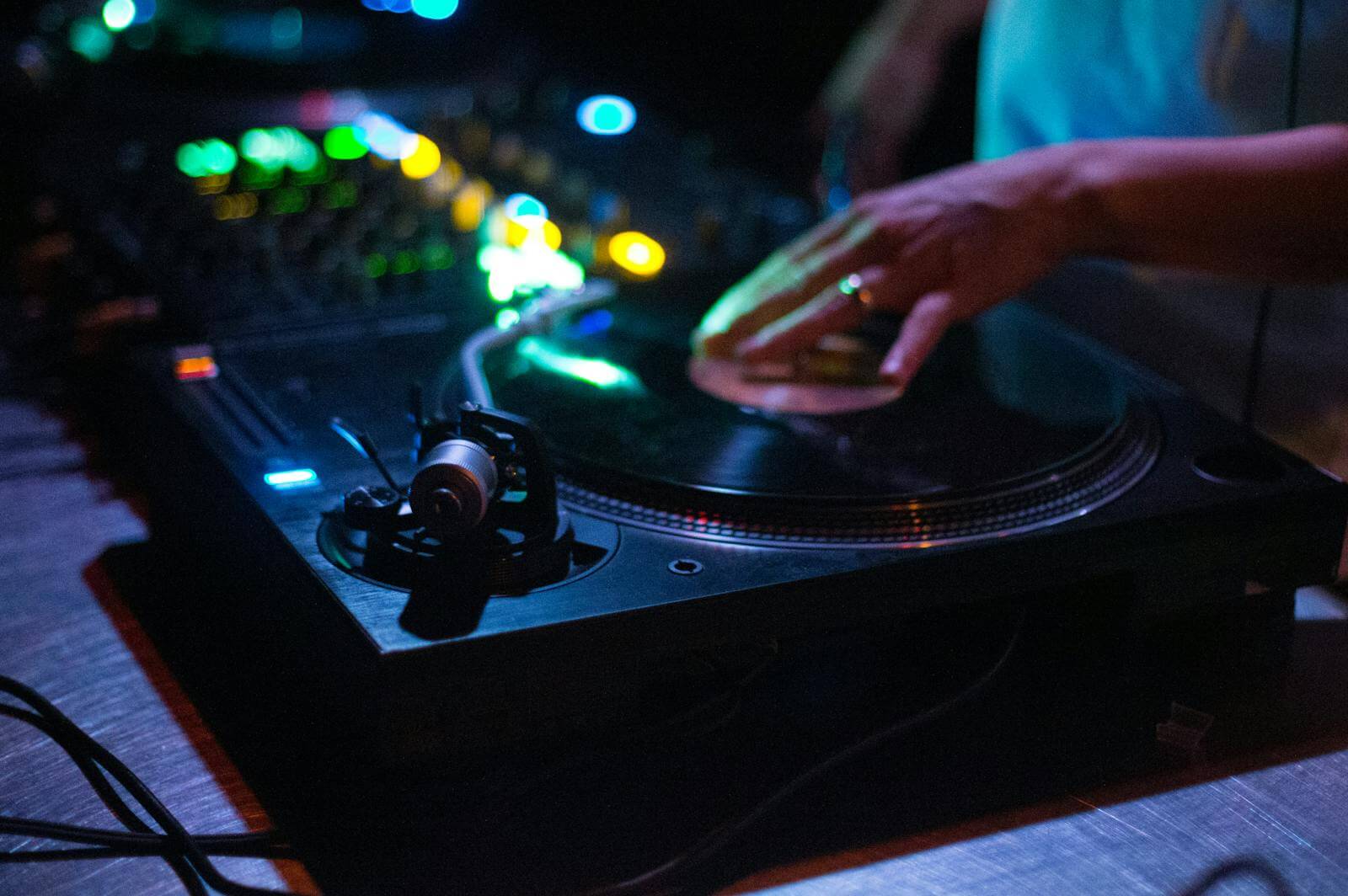
- Turntables with DVS: to keep the feel of vinyl while playing digital files. They're very popular with hip-hop DJs who scratch.
My advice: Choose equipment that’s compatible with your software and similar to what you’ll find at a club. Personally, I play on all Serato DJ Pro-compatible controllers and turntables, which lets me adapt to any DJ booth.
3. The computer
This is often the weak link. For a multi-genre DJ who uses stems:
- A recent processor and enough RAM: real-time stem separation is resource-intensive.
- SSD storage: fast track loading and greater reliability.
- A custom setup: notifications turned off, automatic updates disabled before a night out, and no unnecessary apps running.
Always check the minimum system requirements recommended by the software publisher before purchasing.
4. The sound card
It's built into most controllers and mixing consoles. Check to see if it has balanced outputs (XLR), a powerful headphone output, and a microphone input. I explain everything in my article on why you should invest in a high-quality sound card.
5. The helmet
Closed-back to block out noise from the room, with precise bass and swivel ear cups. It’s the item you’ll use the most during a night out.
6. Monitor Speakers
At home, monitor speakers let you prepare your sets and hear your transitions just as the audience does. In the booth, the monitor system serves the same purpose: learn how to adjust it with the sound engineer.
7. Music: Your True Asset
Even the best equipment can't replace a well-curated library. For a Latin and urban DJ:
- Use legal sources: download platforms and DJ pool services, which also offer intro, outro, and a cappella versions.
- Name and categorize your songs: style, energy, tempo.
- Back up your files to an external drive and to the cloud. Losing your library the day before an event is a nightmare.
Where do you start when you're on a tight budget?
- Software and a compatible 2-channel controller.
- A good headset.
- A well-organized legal library.
- Only then: a 4-channel controller, followed by regular practice on the club's equipment.
Frequently Asked Questions
Do you need to buy CDJs to become a club DJ?
No, but you have to know how to use them. A lot of DJs practice on a controller and spend a few hours on club equipment before their first gigs.
Is a controller allowed in a club?
Often, yes—as long as you let the organizer know in advance and check to see if there's space available in the DJ booth. With Serato DJ Pro, you can also connect your computer directly to the club's equipment, provided it's compatible.
Check out my setup in action
Come hear him perform live at my upcoming events, or relive my events through photos. Also, check out the DJ's must-have accessories.